

Ever sat down to work, opened your laptop, and suddenly felt an overwhelming urge to deep clean your baseboards? Or maybe you just stare at a blank wall for 20 minutes waiting for inspiration that never comes.
Here’s the hard truth: Your environment dictates your output.
If your home office feels like a chaotic storage closet or a sterile cubicle, your brain is going to look for any excuse to check out. I’ve spent the last decade renovating home offices—from spacious executive suites to literal closets under the stairs—and I’ve learned that “pretty” isn’t enough. You need functional psychology.
We aren’t just talking about buying a cute stapler here. We are talking about actionable decor tweaks that actually hack your brain into “focus mode.”
Let’s get your workspace working for you.

Why “Decor” is Actually a Productivity Tool
It sounds frivolous to say that a rug can help you answer emails faster, but hear me out. Visual noise (clutter) creates mental noise. Poor lighting causes eye strain, which leads to fatigue by 2:00 PM.
When we design a workspace, we are trying to trigger a flow state.
You want a space that signals to your brain: “Okay, play time is over. We are here to crush it.” Whether you are in a tiny rental apartment or have a dedicated room, the principles remain the same.
The Foundation: Lighting & Layout
Before we buy a single throw pillow, we have to fix the bones of the room. If you can’t see clearly, you can’t think clearly.
1. The “Color Temperature” Hack
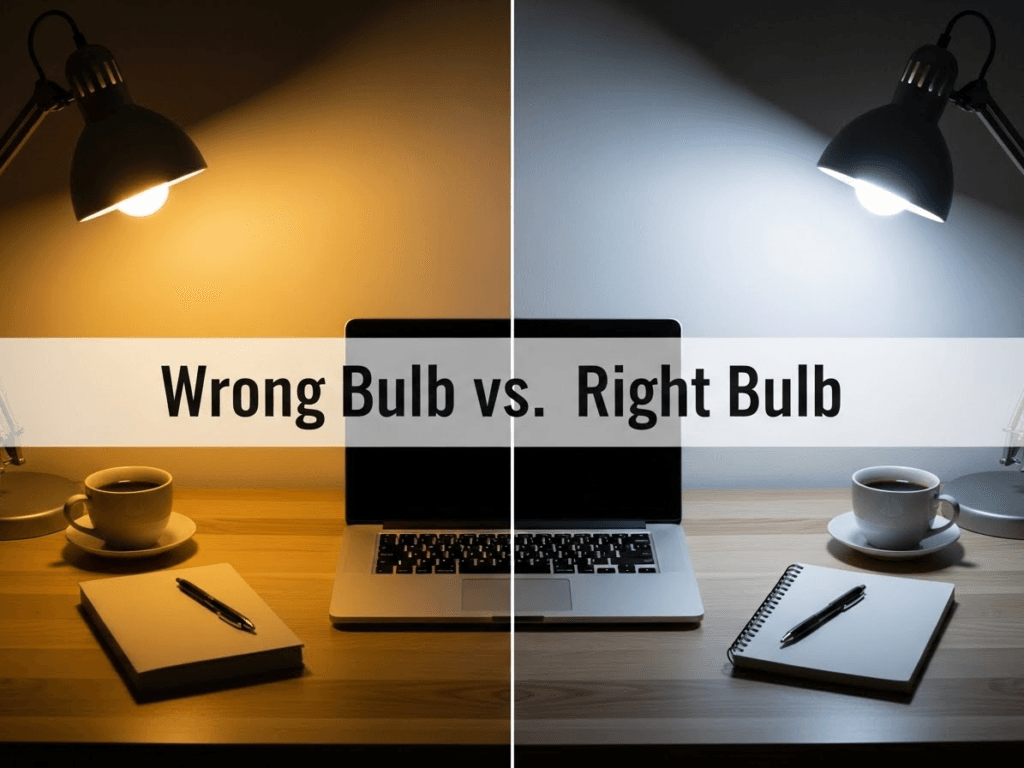
Most people throw a random bulb in a lamp and call it a day. Big mistake.
Lighting temperature is measured in Kelvins.
- Warm White (2700K): Great for living rooms and winding down. It mimics sunset. This tells your brain it’s nap time.
- Cool White (4000K – 5000K): This mimics daylight. It suppresses melatonin and triggers alertness.
The Fix: Swap your overhead bulb or main desk lamp to a 4000K bulb. It’s a $5 fix that instantly wakes you up. Save the moody, warm lighting for a floor lamp in the corner when you’re reading or winding down in the evening.
2. Position for Power (and Glare Reduction)
If you are staring directly at a wall, you might feel boxed in. If you have your back to the door, you might feel subconsciously “unsafe” (it’s a primal thing).
If you have the space, try floating your desk so you face into the room or towards a window. If you’re tight on space and must face a wall, hang a mirror above the desk. It reflects light and depth, tricking your brain into thinking the room is bigger than it is.
Pro Tip: Never have a window directly behind you while working on a computer. The glare on your monitor is a one-way ticket to migraine city. If you can’t move the desk, invest in light-filtering cellular shades.
Looking for more layout inspiration? Check out my guide on strategic office interior design to maximize your floor plan.
Organization: Clearing the Mental Static
A cluttered desk is a cluttered mind. It’s a cliché because it’s true. But we aren’t going for “minimalist empty box” vibes—we need functional storage.
3. Go Vertical (The Small Space Savior)
If you are working with a small footprint, stop trying to cram everything into desk drawers. Look up.
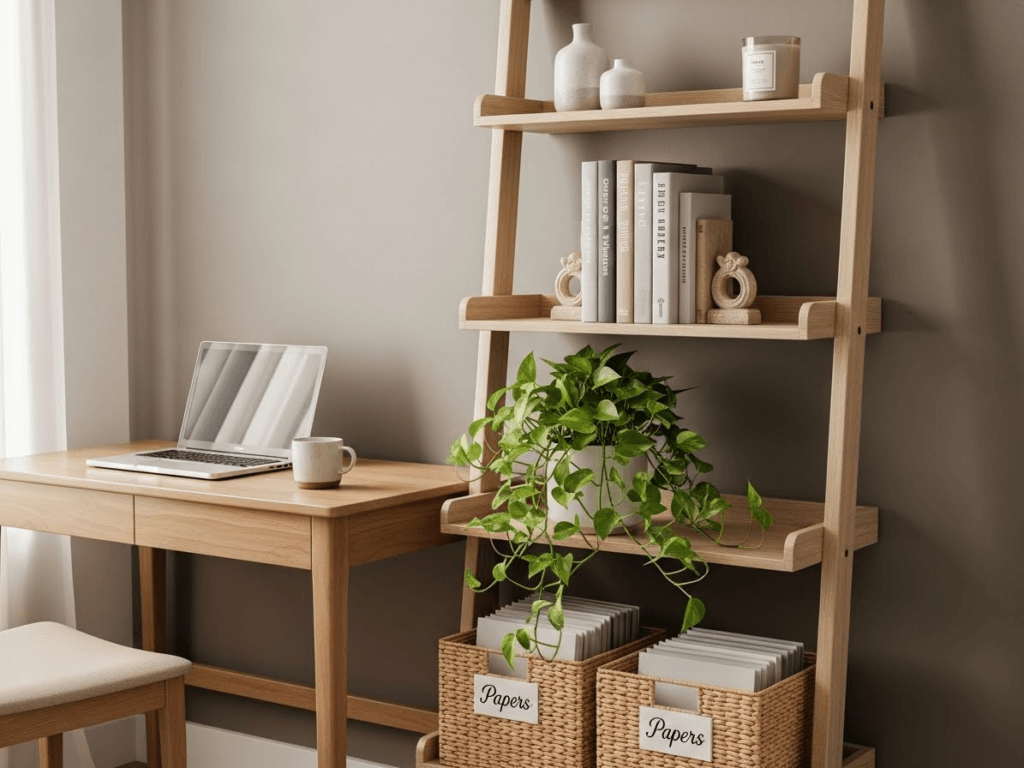
Install floating shelves above your monitor. This draws the eye upward (making the room feel taller) and keeps your essentials within arm’s reach but off your actual work surface.
Styling Rule: Use the 2/3 Rule for shelves. Fill them 2/3 full. Leave 1/3 as negative space. If you stuff them to the brim, it just looks like hoarding on a wall.
- Renters: Use high-quality adhesive floating shelves or a leaning ladder shelf. No drill holes required.
4. The “Cable Spaghetti” Solution
Nothing kills a contemporary office design faster than a tangled mess of black cords dangling under your desk. It visually disrupts the lines of the room and makes the space feel unfinished.
The Quick Fix:
- Velcro Ties: Bundle cords together tightly.
- Cable Sleeve: Wrap the bundle in a white or wall-colored sleeve.
- The Box: Hide your power strip inside a “cable management box” on the floor.
It takes 15 minutes, costs under $20, and makes your office look 10x more expensive.
5. The “Inbox” Tray System
Paper clutter is the enemy of focus. You need a designated “Landing Zone.”
Get a stacked acrylic or wire paper tray.
- Top Tier: “Action Now” (Bills to pay, forms to sign).
- Bottom Tier: “File Later” (Receipts, reference docs).
If a piece of paper touches your desk, it must go into one of these trays or the trash immediately. Do not let it sit on the desktop surface.
Comfort & Ergonomics (Because Back Pain is Distracting)
You cannot be productive if your lumbar is screaming at you.
6. The Chair: Function Over Aesthetic
I know, I know. Those vintage velvet dining chairs look stunning on Pinterest. But if you are sitting for 8 hours a day, do not buy a dining chair.
You need:
- Adjustable height (your feet must be flat on the floor).
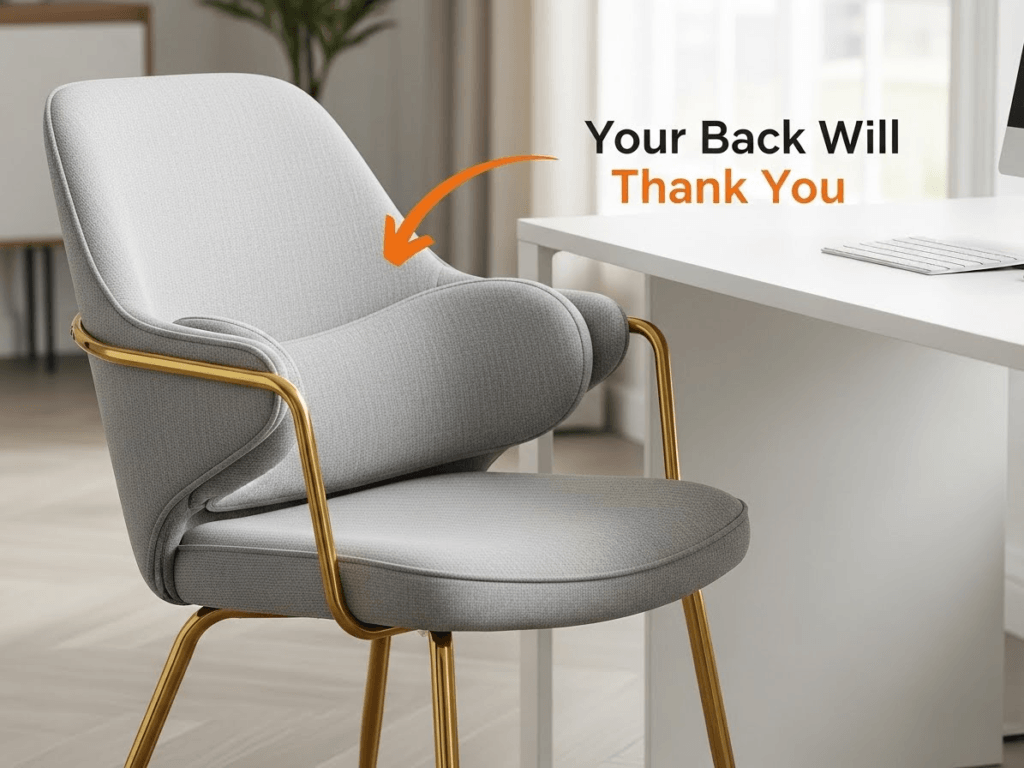
- Lumbar support.
- Swivel capacity (so you aren’t twisting your spine to reach the printer).
Budget Hack: If you are stuck with an uncomfy chair, buy a memory foam lumbar pillow and a seat cushion. You can put a sheepskin throw over the back to hide the “office-y” look if it clashes with your decor.
7. Monitor Height Matters
Your eyes should be level with the top 1/3 of your monitor. If you are looking down, you are straining your neck (“tech neck” is real).
The Stylist Trick: Don’t use a boring plastic monitor riser. Use a stack of coffee table books or a sturdy wooden box that matches your desk wood tone. It lifts the screen and adds texture to the desk.
Aesthetics: Hacking Your Brain with Design
Now that the ergonomics are sorted, let’s talk about the vibe. This isn’t about making it look like a magazine cover; it’s about using psychology to keep you in the zone.
8. Biophilic Design (The “Alive” Factor)
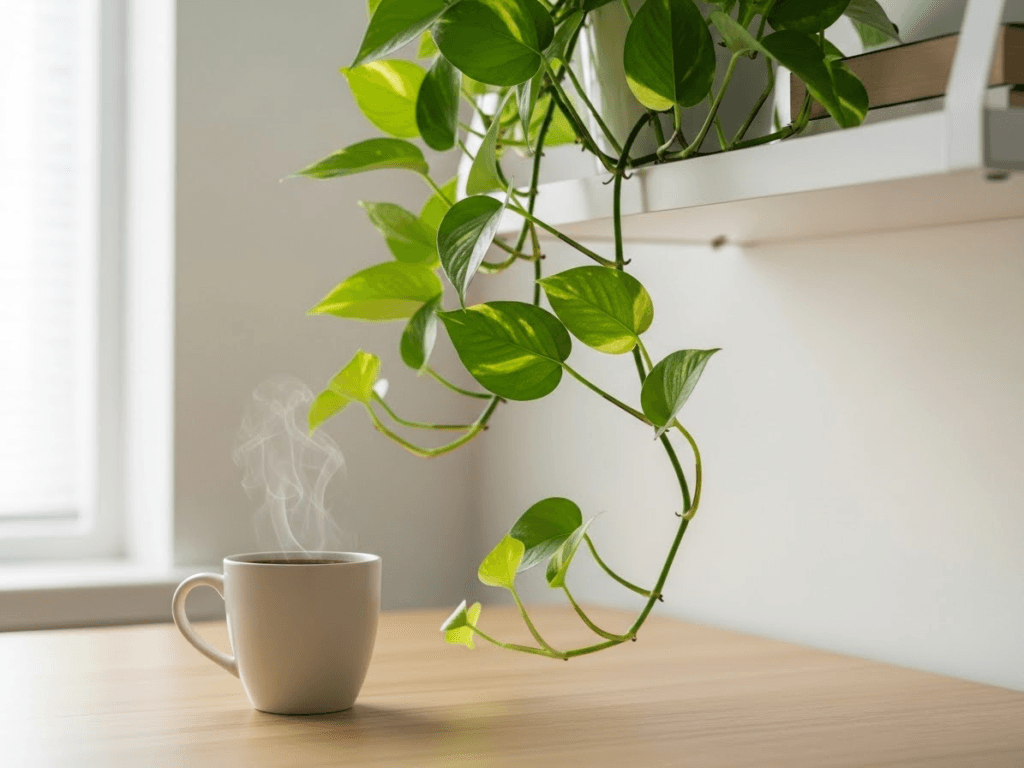
Designers throw the word “biophilia” around a lot, but it just means humans like nature. Studies show that looking at greenery reduces cortisol (stress) levels.
If your office is a sterile white box, your brain gets bored and fatigued.
The Fix: You need a plant. But be realistic—if you kill everything you touch, do not buy a Fiddle Leaf Fig.
- For the “Black Thumb”: Get a ZZ Plant or a Snake Plant. You can ignore them for weeks, and they will still thrive.
- For the Desk: A small succulent or Pothos in a textured pot adds softness to the hard edges of your laptop and monitor.
9. Color Psychology: Paint for Output
Color isn’t just paint; it’s energy.
- Blue & Green: Best for high-focus, analytical tasks. They are calming and encourage deep work.
- Yellow & Orange: Best for creative industries. They stimulate energy.
- Red: Avoid large amounts of red. It signals “danger” or “urgency,” which increases anxiety over time.
Renter Tip: Can’t paint? Add a large piece of art or a peel-and-stick wallpaper mural behind your monitor in your target color. It creates a “focus wall.”
10. The “Inspiration Station” (Not a Junk Board)
We’ve all seen those corkboards covered in 3-year-old receipts and a takeout menu. That is not inspiring; that is trash on a wall.
Create a curated view. This could be a framed quote that actually motivates you (not “Live Laugh Love,” please), a vision board of your goals, or simply a piece of abstract art that makes you happy.
Placement Rule: Place this slightly off-center from your monitor. It gives your eyes a place to rest when you look away from the screen to think.
The “Secret Sauce”: Expert Tips Most People Miss
These are the invisible layers of design that elevate a home office from “fine” to “productive powerhouse.”
Scent Scaping
Decor is for the eyes, but don’t ignore the nose. Smell is the strongest sense linked to memory and alertness.
- Lemon/Citrus: Wakes up the brain.
- Peppermint: Increases concentration.
- Lavender: Save this for the bedroom. It’s too relaxing for work.
Keep a reed diffuser on a bookshelf (safer than a candle if you have papers around).
The “End-of-Day” Reset Ritual
This is a styling tip that doubles as a productivity hack. Never leave your desk messy.
Spend the last 5 minutes of your workday clearing the surface. Put the pens in the cup. Stack the papers in the tray. Push the chair in.
- Why? When you walk in the next morning, you are greeted by a clean slate, not yesterday’s chaos. It removes the friction of starting your day.
Productivity Killers vs. Boosters
A quick cheat sheet to audit your current setup.
| Feature | Productivity Killer ❌ | Productivity Booster ✅ |
| Chair | Dining chair or couch | Ergonomic task chair with lumbar support |
| Lighting | Single overhead yellow bulb | Layered lighting (4000k Task lamp + Window) |
| Desk Surface | Covered in loose papers | Clear surface with “Inbox” tray system |
| View | Facing a blank wall | Facing the room/window or using a mirror |
| Cables | Tangled mess at feet | Velco-tied and hidden in a cable box |
FAQs: Common Home Office Struggles
1. I work in my bedroom. How do I switch “off” at night?
This is tough. You need visual separation. Use a folding screen or a bookshelf to physically divide the “sleep zone” from the “work zone.” If you can’t do that, drape a nice throw blanket over your monitor at the end of the day. If you can’t see the tech, your brain can relax.
2. What is the best rug size for a home office?
The rug should be large enough that when you push your chair back, the wheels stay on the rug. Usually, a 5×7 or 6×9 works best. If your wheels catch on the edge of the rug every time you move, you will go insane by Tuesday.
3. How do I look better on Zoom calls?
Lighting is key. Place a lamp behind your laptop camera facing your face. Never have a bright window behind you (you will look like a shadow puppet). Also, check your background—a styled bookshelf looks professional; an unmade bed does not.
4. I have zero budget. Where do I start?
Start with decluttering and reorienting. Move your desk to face a window (free). Remove everything from the desktop that you don’t use daily (free). Stack your books neatly to create a riser for your monitor (free). Order brings calm.
Final Thoughts
You don’t need a total renovation to be more productive. Start with one thing from this list—maybe it’s wrestling those cables into submission or finally swapping out that yellow lightbulb.
Your workspace is a tool. Sharpen it, style it, and watch your focus skyrocket.


